Deka Pro
Unifying Enterprise Fragments into a Single Workspace
Deka Pro was built for UAB NEVDA to solve workflow fragmentation across tasks, time tracking, and document systems.
Within a broader NEVDA product landscape (roughly 10 active products), Deka Pro became the execution layer where teams plan, communicate, and move work forward. The objective was to transform scattered information into one actionable workspace.
Executive Summary
Teams were losing time to context switching across multiple tools for tasks, time, and documents.
I designed Deka Pro as a unified execution workspace with synchronized views, task-level communication, and direct integration with Kontora data.
The result was less workflow fragmentation, higher daily usage, and a clearer source of truth for cross-team delivery.
Role & Scope
Role: Lead Product Designer
Scope: Workspace architecture, information hierarchy, multi-view interaction model, and contextual collaboration patterns.
Collaboration: Worked with product and engineering teams to align interface decisions with live backend workflows and cross-tool synchronization constraints.
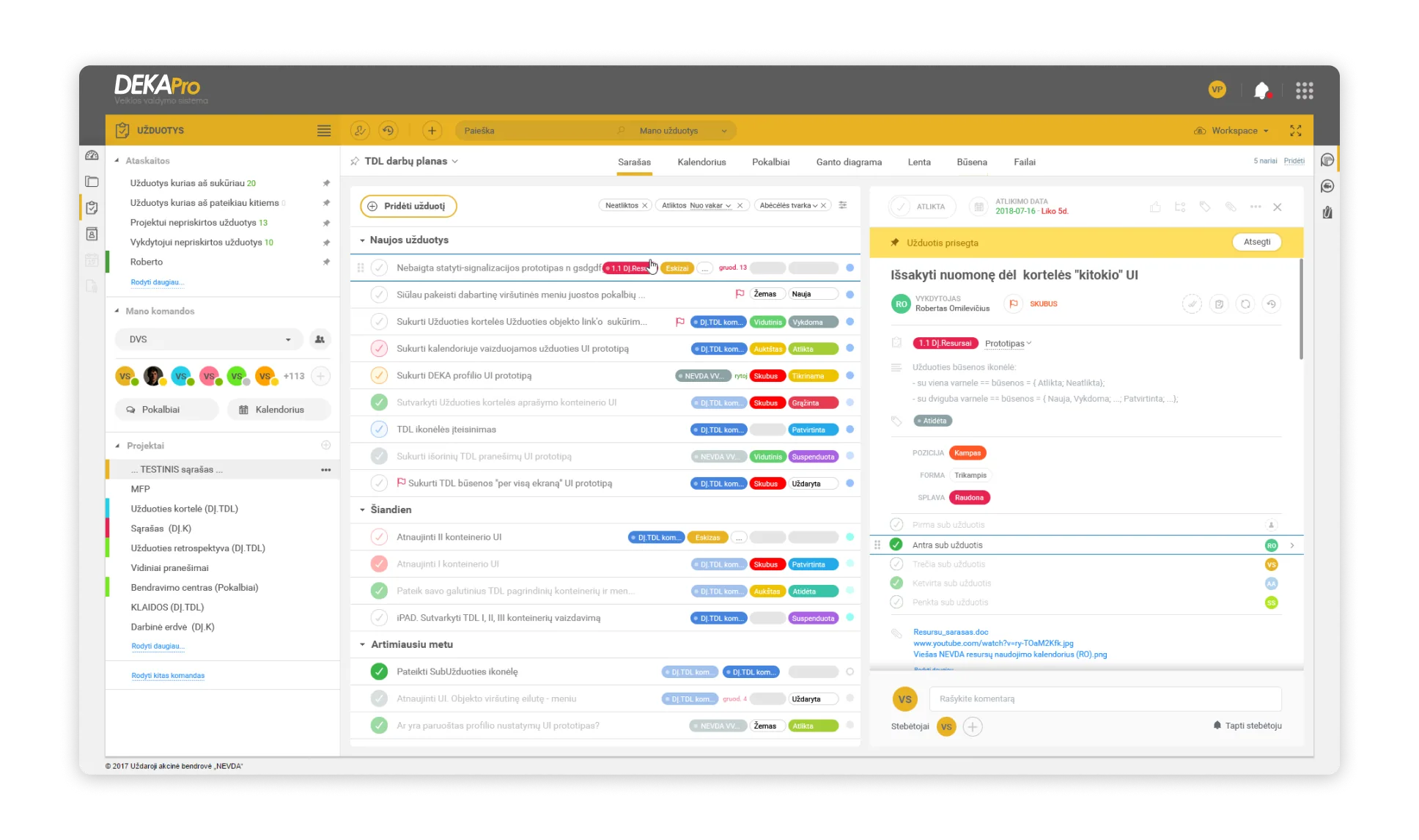
01. Main Workspace: Dashboard Views
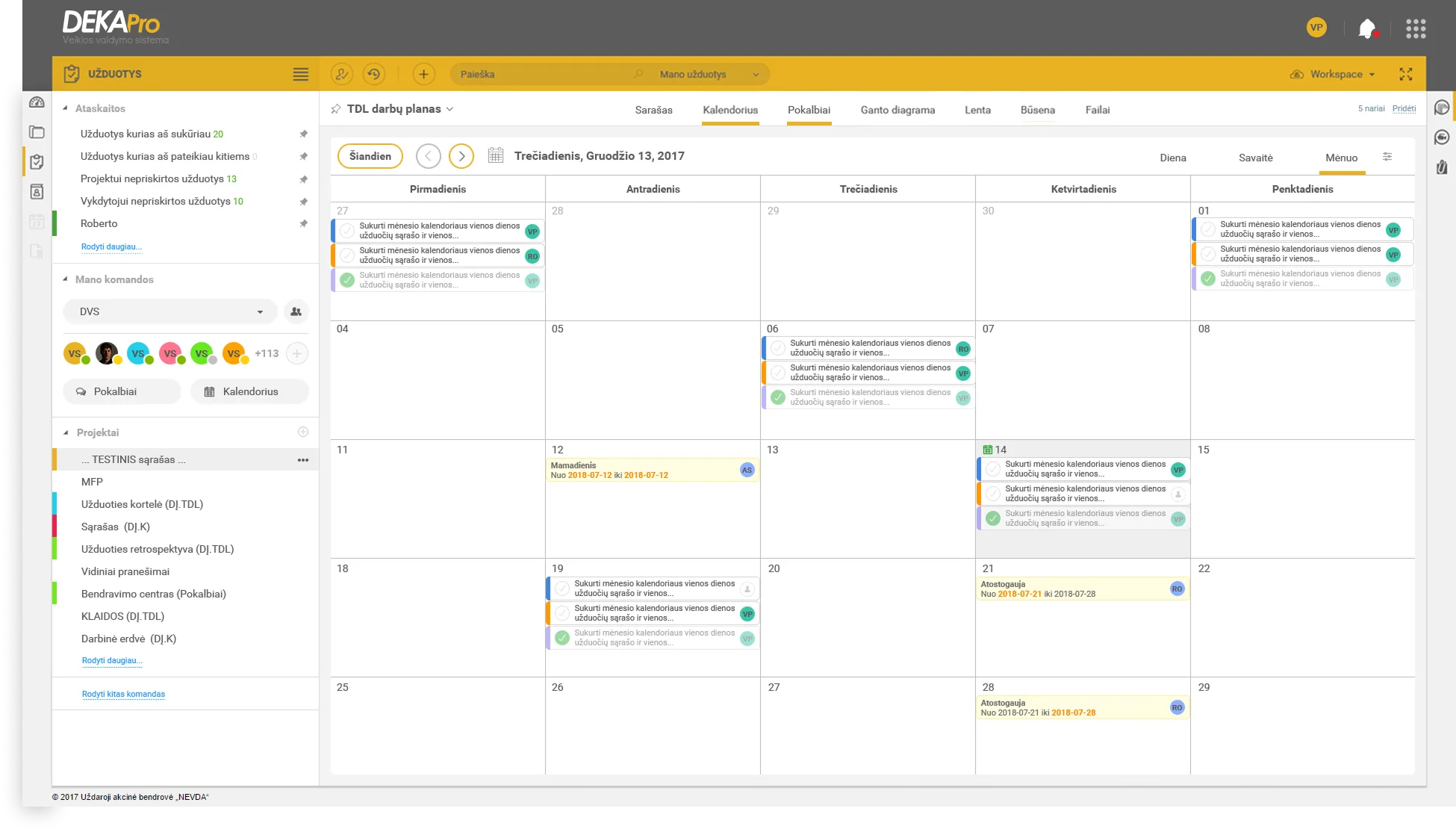
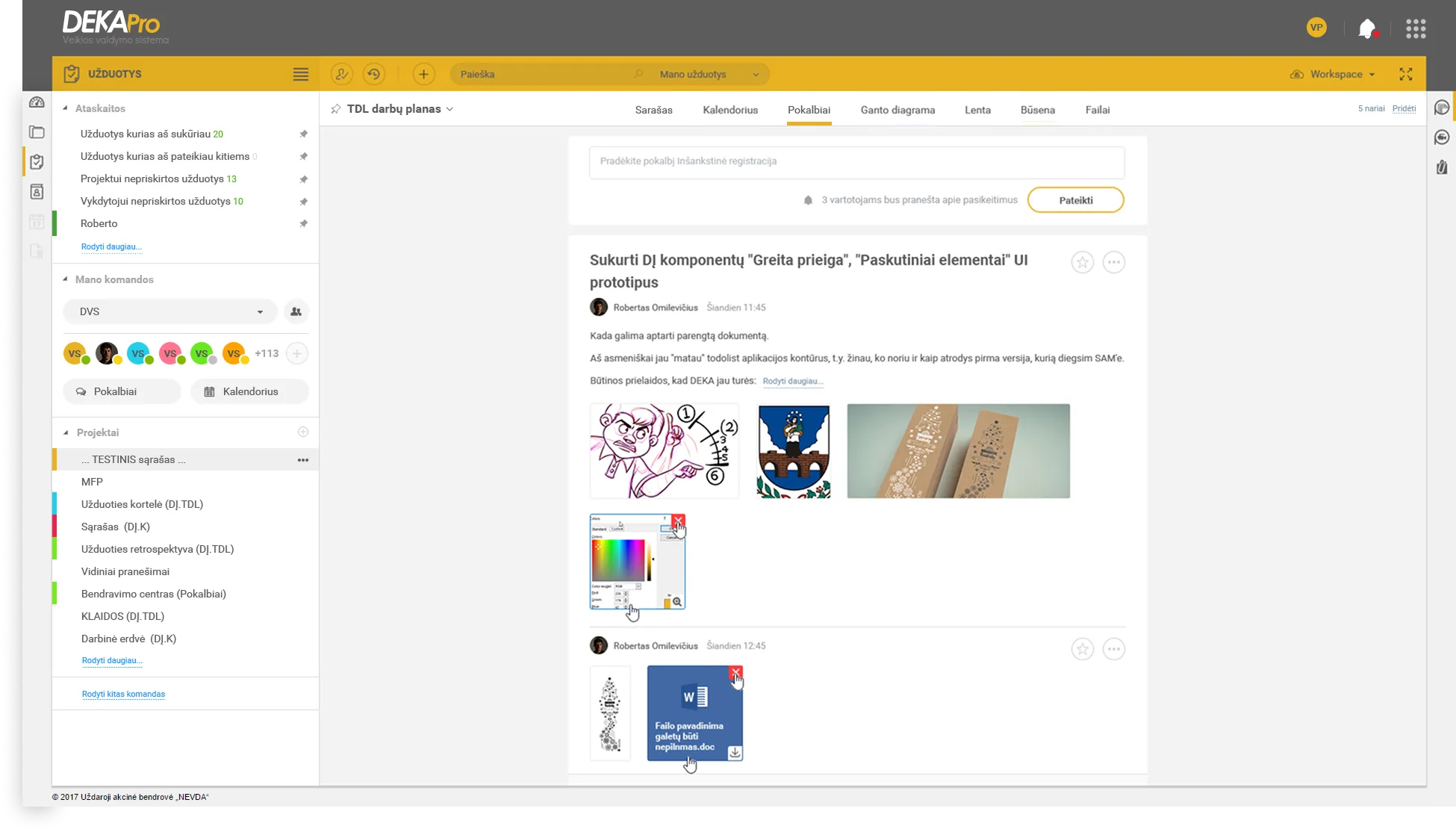
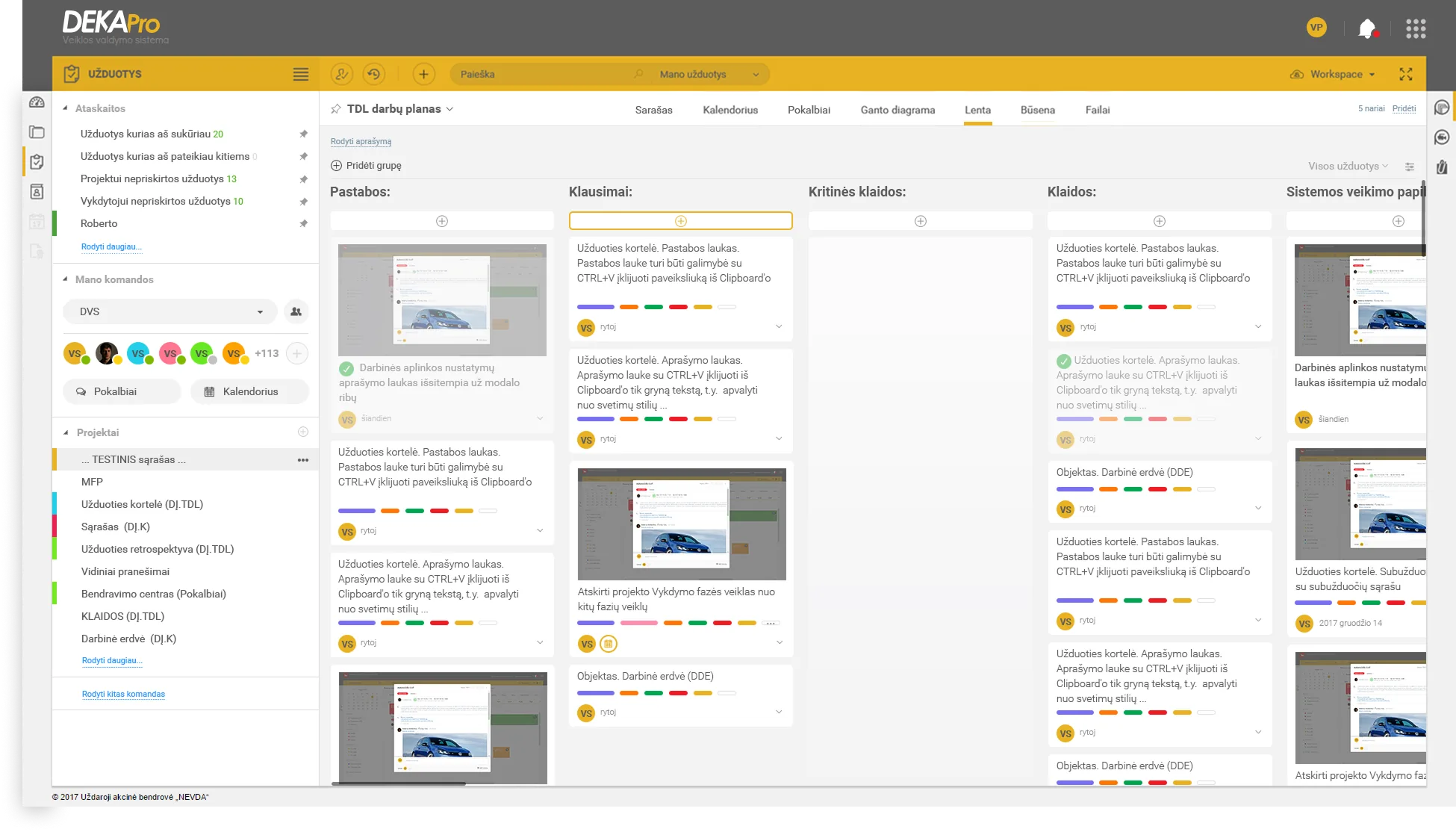
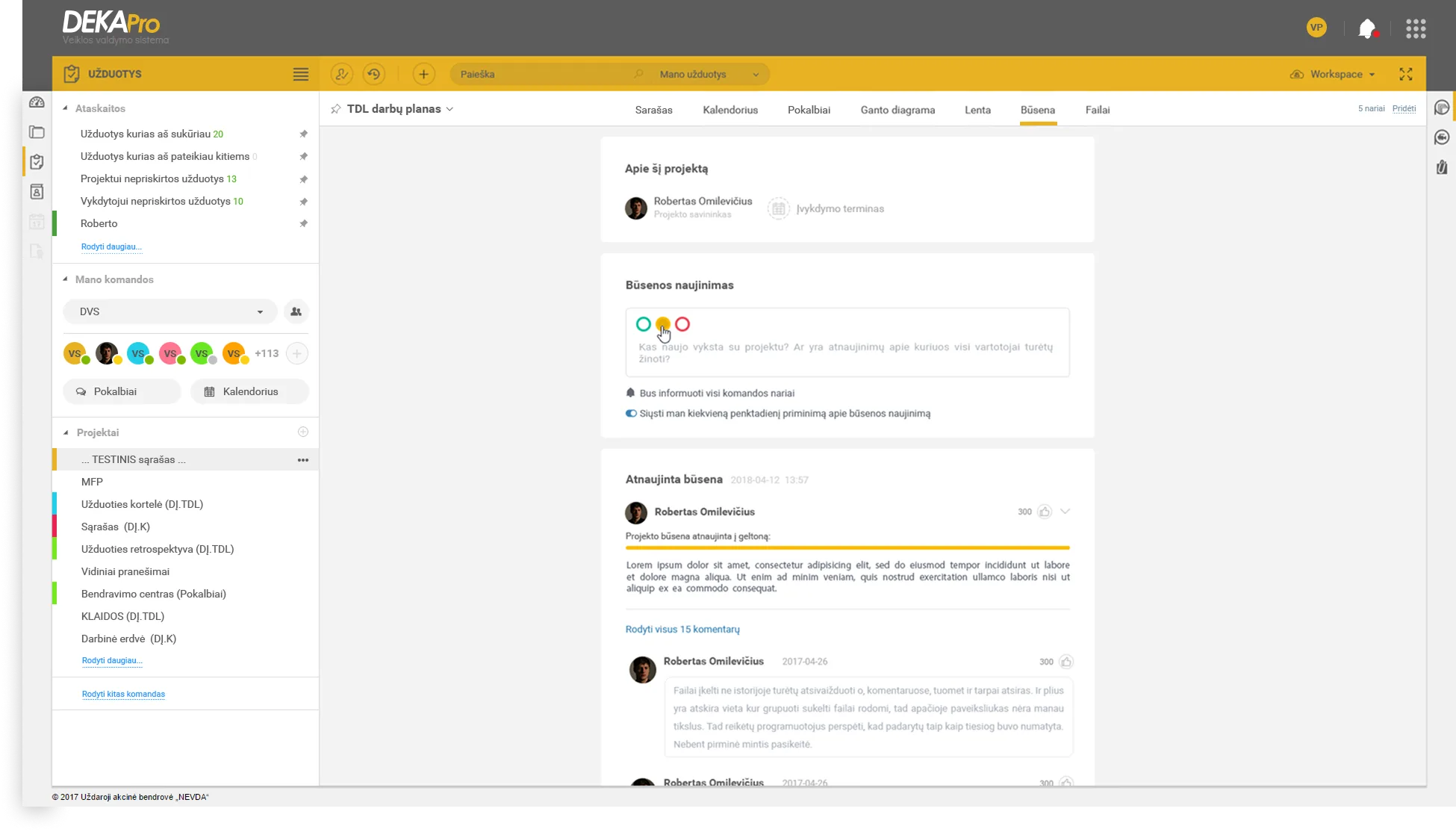
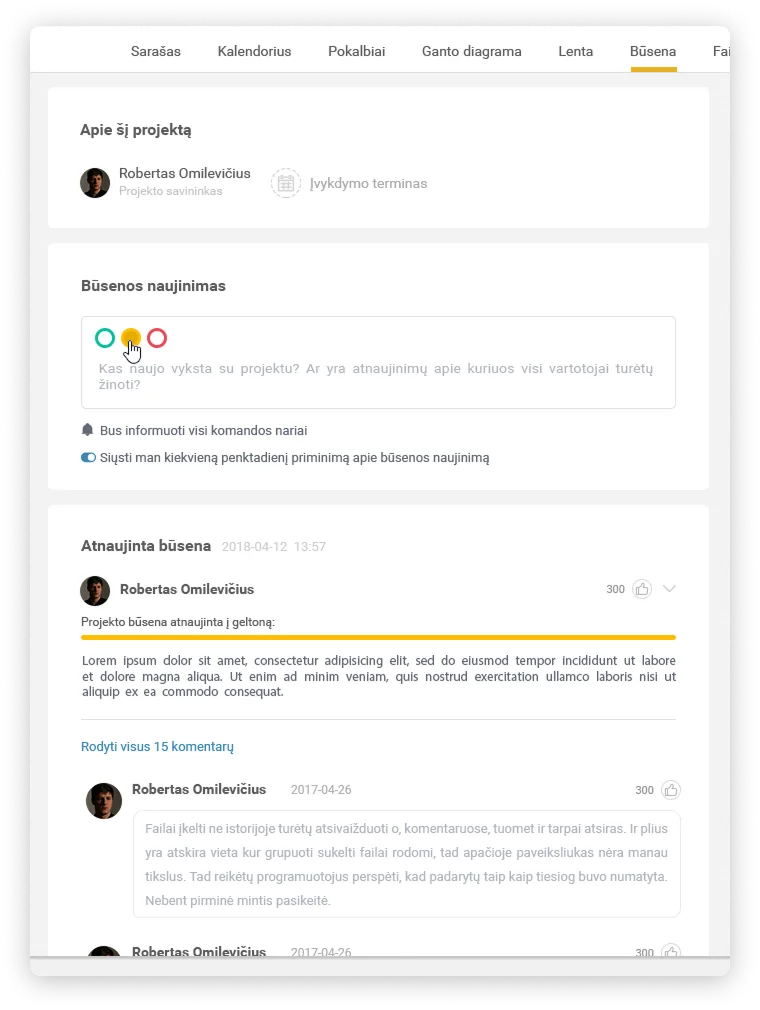
The workspace evolved into multiple coordinated views — list, calendar, communication, Kanban board, and status — so teams can track the same work in whatever layout fits the moment, without losing context.
02. Context: The Fragmentation Tax
Users were switching between three tools for one project: one for tasks, one for time tracking, and Kontora for documents.
This context switching caused lost information and lower productivity because work status was fragmented across systems.
Ecosystem Relationship Map
03. Design Strategy: Contextual Interoperability
We did not build only a task list. We built a live-sync environment where every action in Deka Pro reflects across the broader NEVDA product ecosystem.
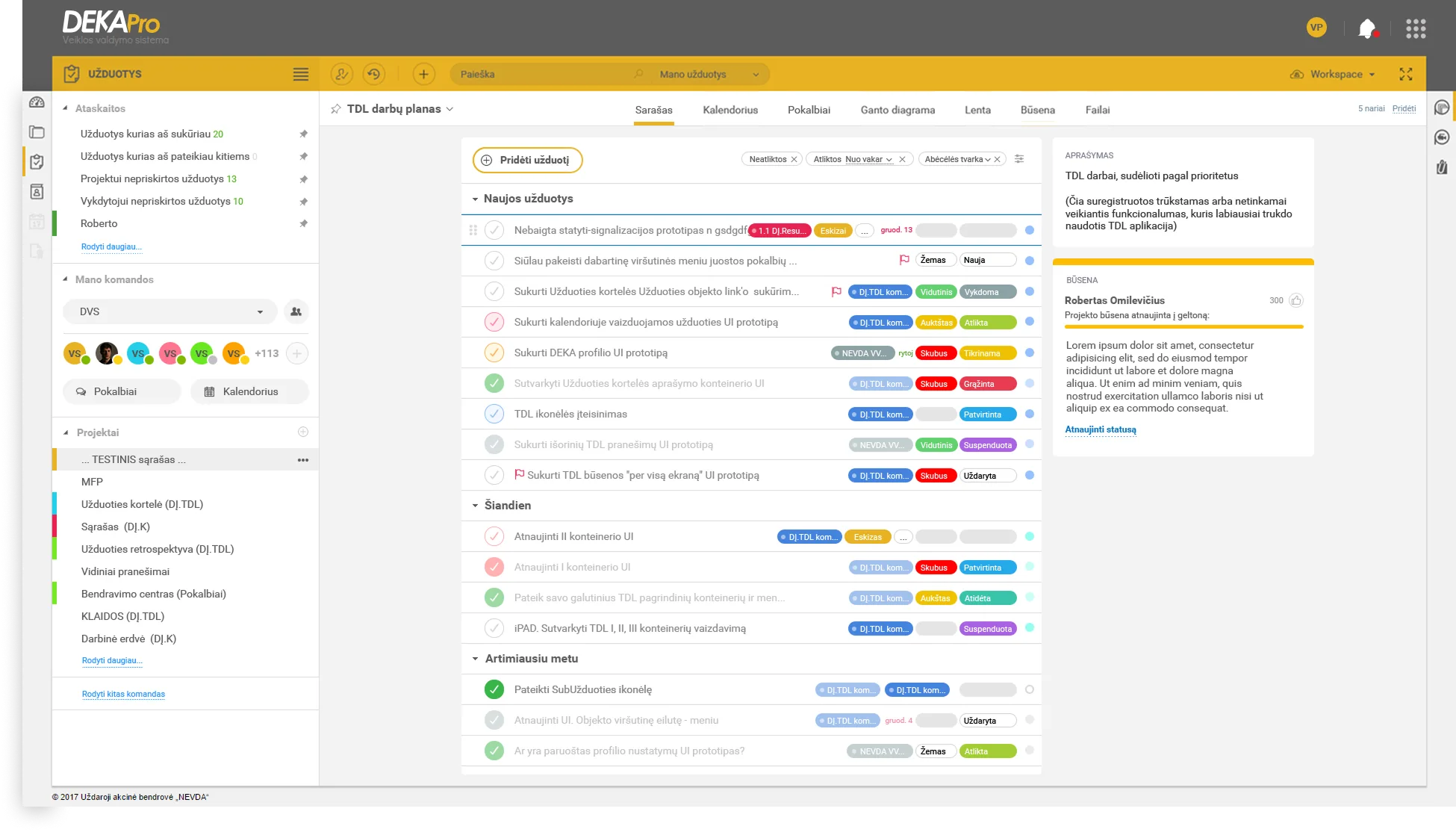
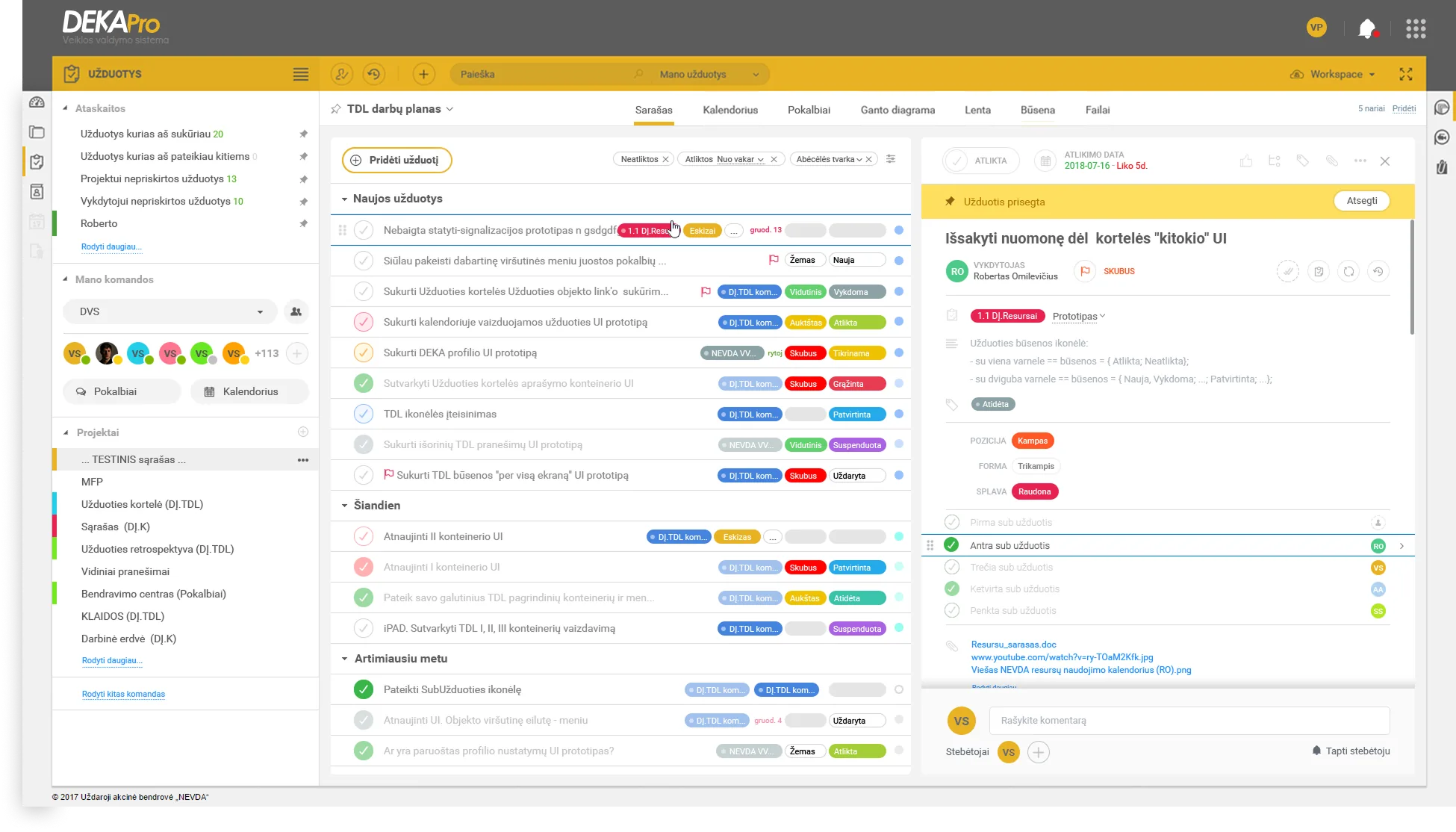
A flexible toggle between Kanban and list views allowed users to work in the mental model that fits them best, without losing context.
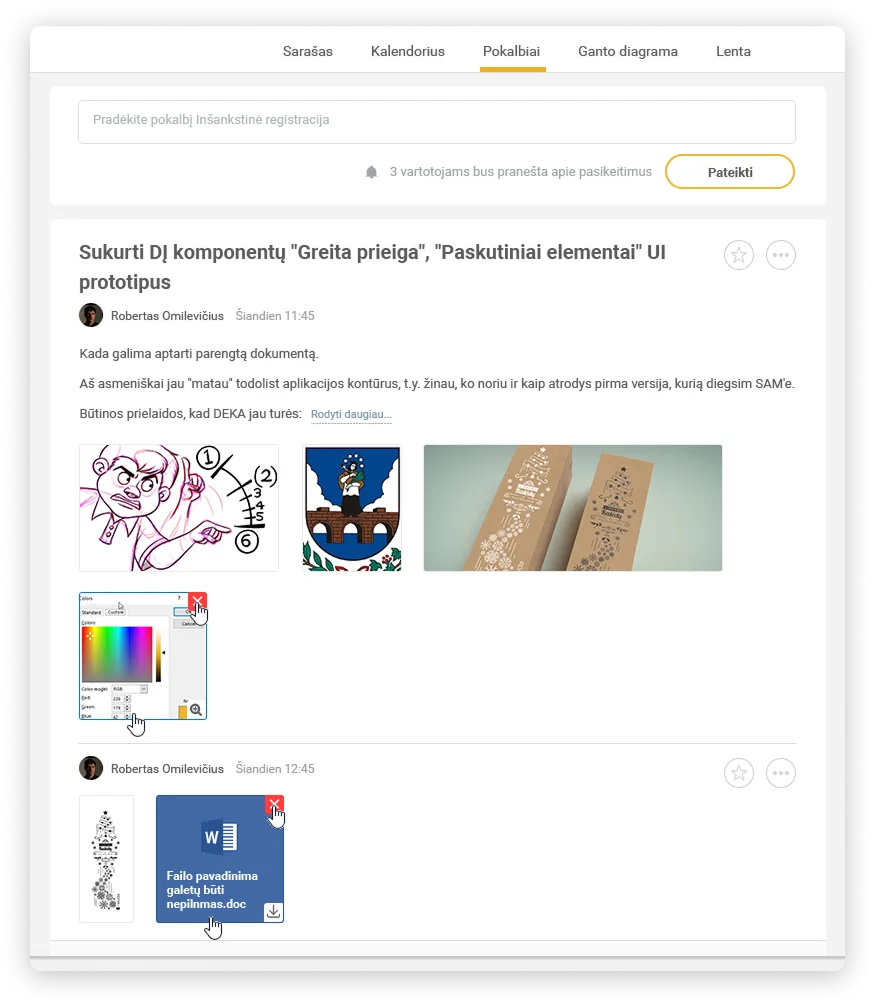
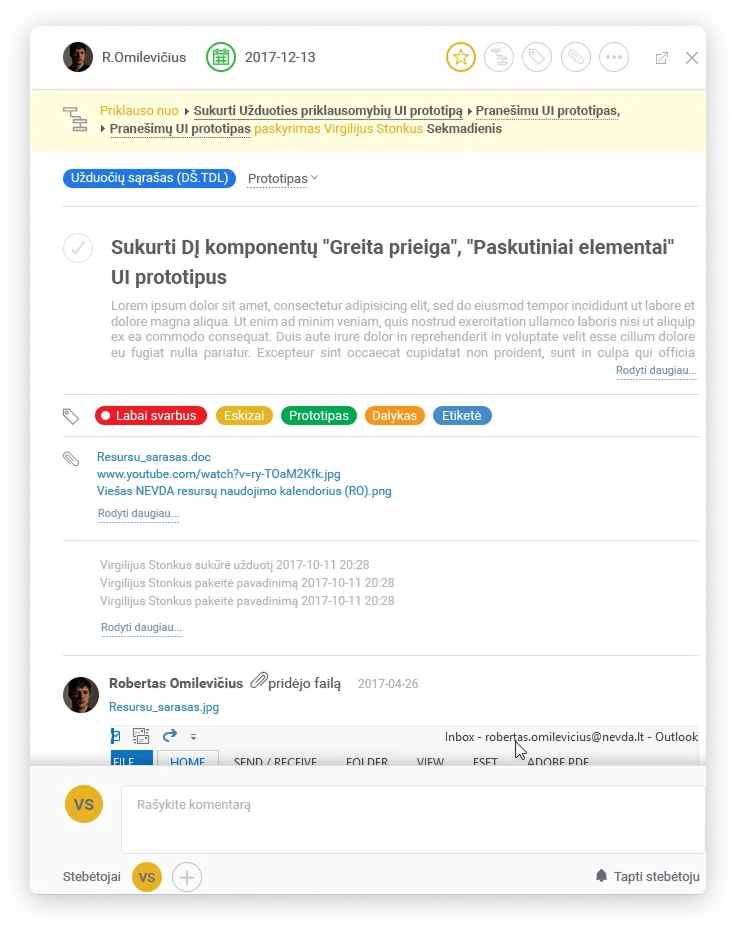
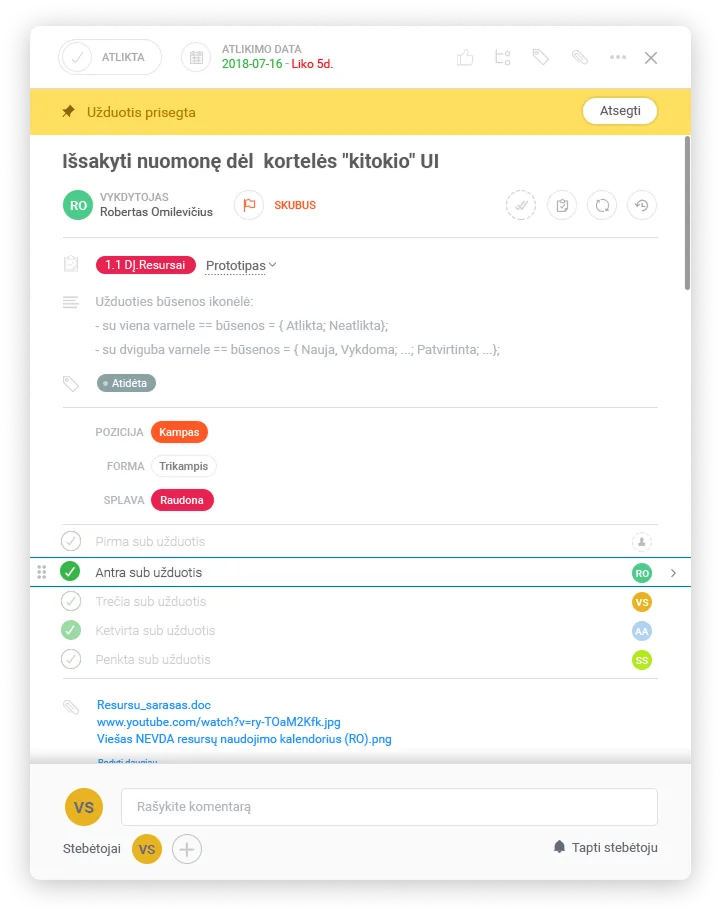
Communication was embedded directly into tasks so updates and decisions remain attached to the work itself, not scattered in separate chat tools.
View Flexibility: Kanban and List
Drag across the comparison to see how the same workspace shifts between list and Kanban without disrupting task continuity.
Contextual Collaboration Inside Tasks
04. Discovery: Workflow Audit
User interviews showed that "Done" means more than checking a task box. It often requires updating linked documents in Kontora, which made cross-tool fragmentation especially costly.
Journey Compression: Before and After
05. Impact: Measuring the Shift
06. Final Reflection
Deka Pro proved that the best interface often disappears into workflow clarity. By creating a seamless bridge to Deka Office backend systems, teams could focus on outcomes instead of software coordination overhead.